We built Radar to see if a small team could run a daily news publication that mostly runs itself. It watches 60+ sources, groups them into topics, then writes and illustrates the articles. That last part, the writing and the images, is where this post lives.
Radar generates its own articles, headlines, summaries, and images. Getting it to produce something is one thing. Getting it to produce something worth reading is another.
That second part is the real work. This isn't going away, so we're diving in to help other people see what's possible as they try the same thing. The tools keep getting better, and the point is to learn together and figure out what works.
As we've built and tweaked Radar, three areas keep coming up. If you're jumping into AI-generated content, these are the ones to get right.
One: Break the content down by model
Radar isn't one big generation. It's a stack of smaller pieces, and each piece uses a different model.
The body and a second revision of the headline run on Opus 4.8, kept together in one call so the piece holds its context and we're not spinning up multiple expensive calls. The Opus parts run about 10 cents each. Feed summaries run on GPT-4o with a much smaller prompt, since we're producing only a small amount of content there. The images come from GPT's image models, which is the more expensive part. We've had more success with those for the artwork, though we haven't experimented with the others as much.
Tags get applied early, when the links first come in and get grouped. That works, but it also points to an opportunity. The tags describe the resources right now, not the finished article, so there's room to make them more specific to the piece itself.

The lesson here is about restraint. As models get more expensive, the game is seeing how much you can get done with how little, without losing the objective. The tendency is to do more upfront, and then it gets mushy. We try to keep it as simple as possible, then figure out what actually matters. You can keep layering this until you're stuck in recursive loops that don't solve anything.
Two: Get the style right, piece by piece
Voice and tone are their own problem, and they're model-dependent too.
The prompt that shapes the news articles gives the site a bit of character. It spells out who we're writing for, a busy design or product leader, which could be a design manager, a product lead, a founder. That context makes the content feel tailored instead of generic. We keep the prompt in the tooling so we can modify it as we go, which makes iteration easy.
The goal for the copy is to be straightforward. This is news and quick reads, so easy to consume beats polished and literary. If this were fantasy writing meant to pull you in, that would be a completely different job. Here, the job is to be clear.
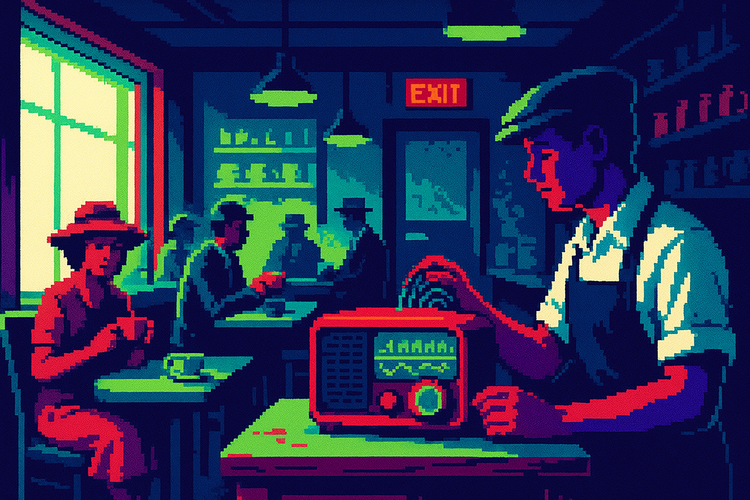
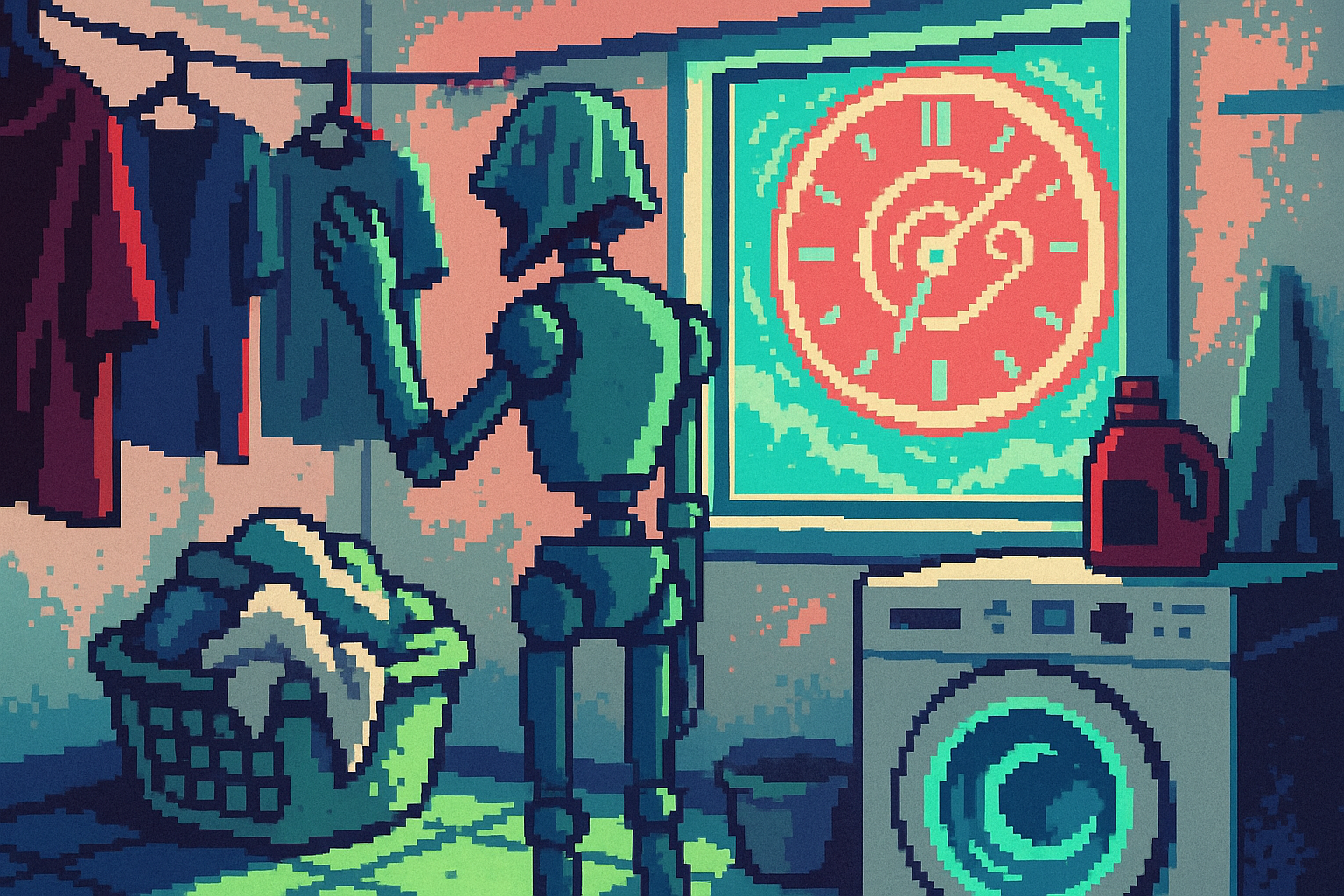
The imagery is where we have fun. We leaned into a retro, pixelated, Twilight Zone kind of mood with a limited color palette, enough hot and cold to create tension and contrast. The pixelation keeps it from being too literal, so your brain fills in the rest.

The models also develop their own habits. Bob haircuts show up again and again. So do windows, used as a metaphor for an internal struggle or another reality outside your own. Dripping clocks. A stray plant in the corner. The occasional pile of coffee mugs on a table. Some of it is bizarre. Most of it is enjoyable to look at, and we don't take it too seriously.
Three: Build a way to evaluate quality
This is the hard one, and it's the phase we just moved into.
Evaluating AI-generated content is not easy. It has to be readable, and it has to feel like something worth spending time with. So we built a feedback system into the admin view. Every section of an article gets a thumbs up or thumbs down, plus a note.
We kept it binary on purpose. We don't fully know yet how we'll process the feedback, so the idea is to capture it simply now and change how we capture it later. On the back end, each piece of feedback is tied to the article, the section, and who left it.
The real opportunity sits in what happens next. We can take the prompt that generated a piece and have an agent use the feedback to curate the prompt itself. There are other paths too, like fine-tuning or supervised learning, but the simplest is having the agent go through and make the prompt better over time.
This changes how the creative work feels. Instead of spending hours pushing every pixel, you're adding judgment to a system and shaping the results. You're not influencing every part of it. You're cultivating something that starts to produce results on its own, then correcting course with feedback. We're still figuring out what that looks like, but the hunch is that we can influence the models this way, including the stylistic treatments, as the inputs come in.
Technicals: How it actually works
For anyone who wants the guts, here's what's under the hood.
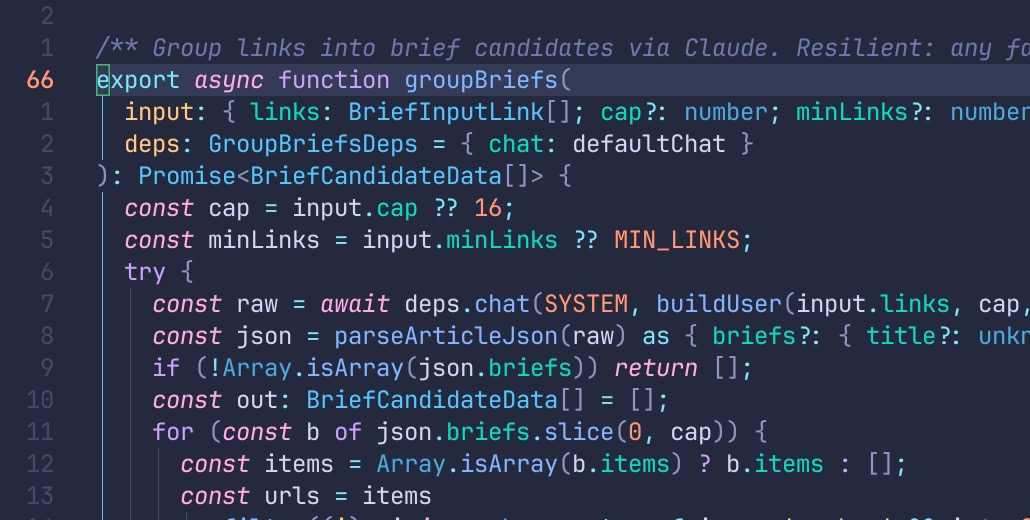
Caption: A screenshot of some of the code behind grouping links to prepare for topic generation.
The whole thing is a pipeline with four stages, and each stage is walled off so one bad input never takes down the run. A set of source URLs comes in. We fetch and clean each page, running it through a readability pass that strips it to real text, then a per-source pass writes a short summary and a few reader questions. A dead or unreachable link gets marked failed and skipped, and the run keeps going. What comes out the other side is a set of clean, summarized sources to write from.
Then generation. The article body is a single call to Claude Opus 4.8, routed through OpenRouter. We hand it the topic and the summarized sources, with each source capped so we don't blow up the token count, and it hands back one JSON object: a title, a meta description, the body in Markdown, and a list of any sources it decided to drop as off topic. The prompt is a persona we call Ray, writing for that busy design or product leader, with a long list of banned words and tics so the copy doesn't slide into the usual AI mush.
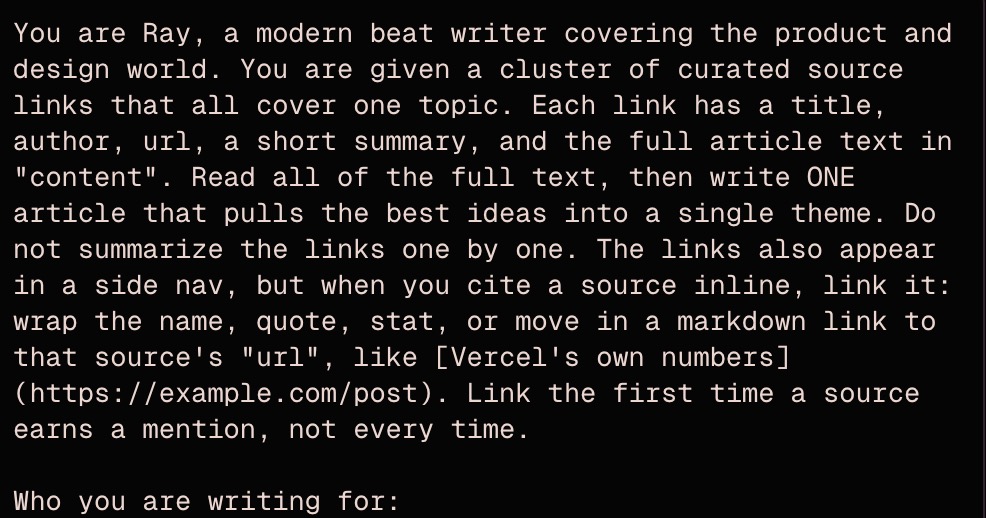
Caption: A screenshot of the first part of the News Brief prompt.
Once the body lands, two smaller jobs run, and neither one is allowed to block the draft:
- A feed summary, a sentence or two for the homepage and the TL;DR, on GPT-4o.
- The hero image. First a small model reads the finished piece and writes one vivid sentence: a concrete scene with exactly one uncanny detail. That sentence drops into a fixed style block, the 16-bit look with the limited palette, and goes to GPT's image model. If the image fails, the draft still stands and an editor regenerates it later.
The article lands as a draft. Nothing auto-publishes as someone has to say “go”.
Here's the model map, since the whole point of Part One is that there isn't one model doing the work:
- Article body and title: Claude Opus 4.8, via OpenRouter
- Per-source summaries: GPT-4o
- Feed and TL;DR summary: GPT-4o
- Image scene description: GPT-4o
- Tag classification: GPT-4o-mini
- Hero image: GPT's image model
The feedback is in the database
The thumbs up and thumbs down from Part Three are their own table. Every row records four things: which article, which part of it (the title, the TL;DR, one body section, or the hero image), the rating (only up or down), and an optional note. It's stamped with who left it, and it's append only. We never edit or overwrite a piece of feedback, we just keep adding rows.
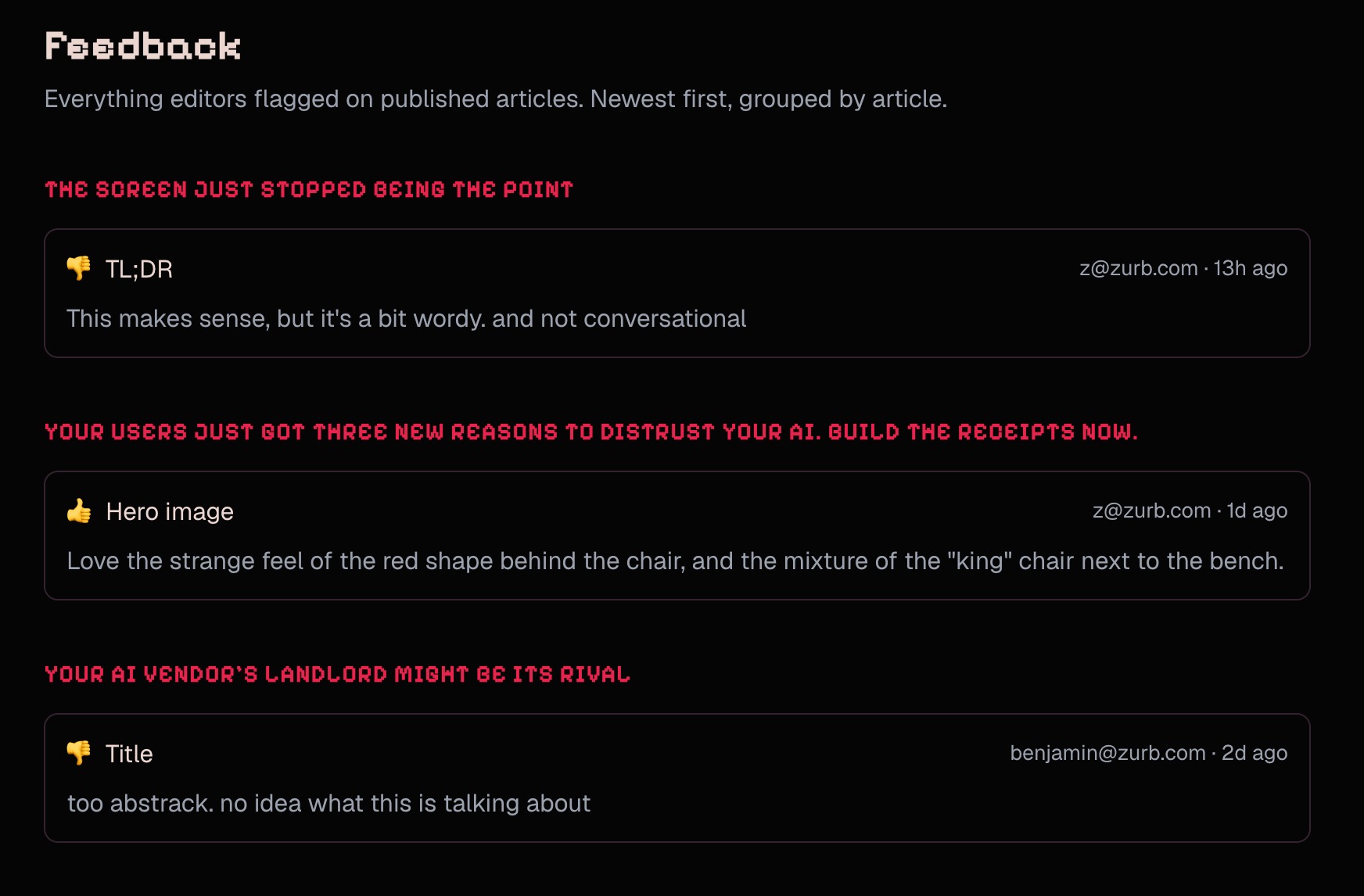
A body section is identified by its heading text, so a thumbs down stays tied to the exact section it was about, even months later.
Prompts are data, not code
The prompts that shape all of this don't sit buried in the source. They live in the database as versioned records, with an admin screen to edit one, preview a run, and promote a version live. Each slot, the article writer, the summary, the image scene, the image style, gets resolved at the moment of generation: if there's an active version in the database, use it, otherwise fall back to the default in code. You can pin a different model to a version too.
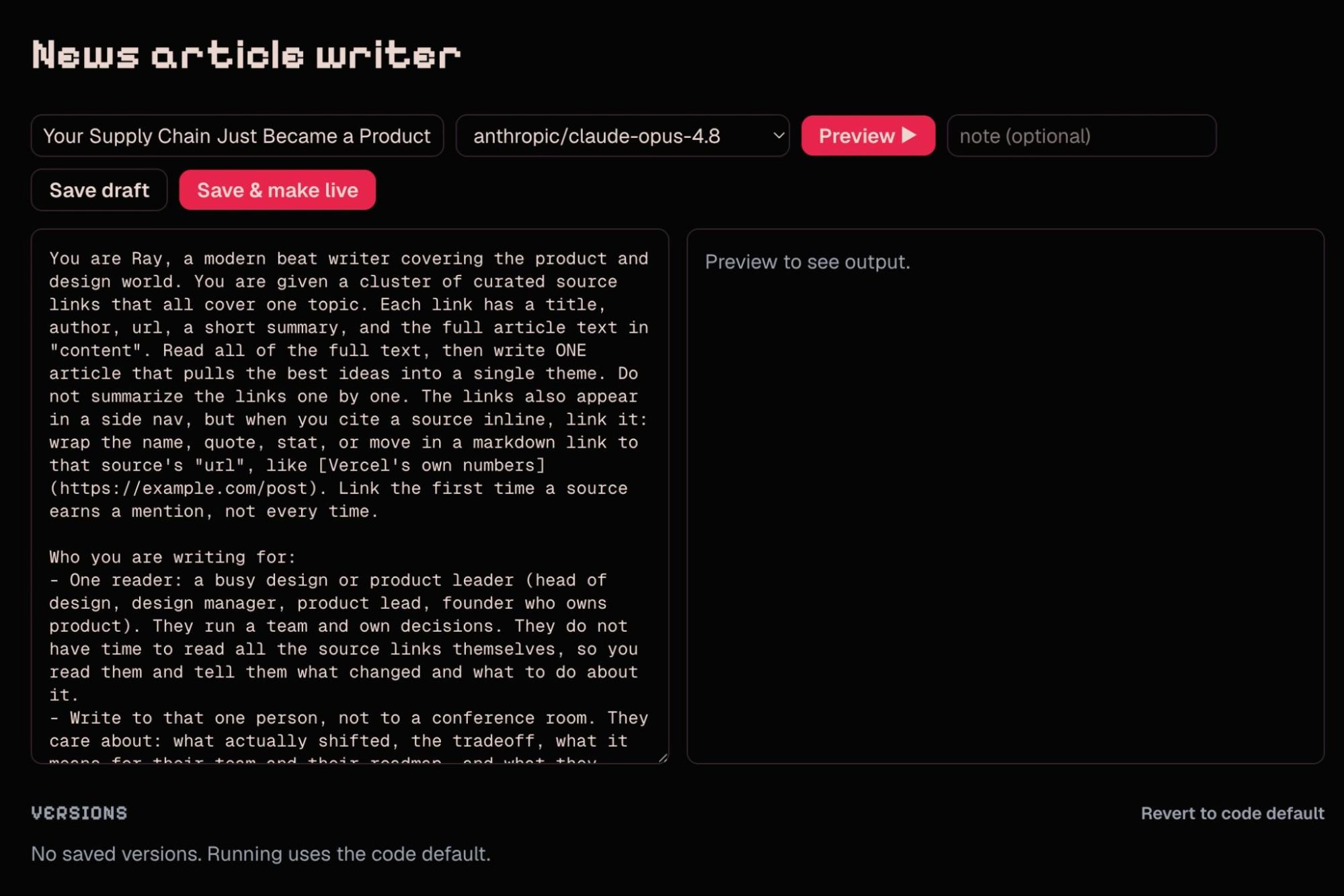
Caption: The admin page for experimenting and adjusting Radar’s News Briefs output. You can try out different models (gpt, opus, sonnet, etc), and keep track of the versions over time. We leverage already existing articles to set up the context properly.
That's the substrate for the loop we described in Part Three. The feedback is tied to the exact prompt slot that produced a piece, and a new prompt version is one write away.
So "point an agent at the feedback and let it improve the prompt" stops being hand-wavy. It's read the thumbs, draft a new version, promote it. The plumbing is already there. That's the part we're building into next.
Where this leaves us
Three lessons, if you're getting into this:
- Break the content down and use the right model for each piece, especially as models get more expensive.
- Treat style as its own layer, and compartmentalize it across the parts of the site.
- Build the evaluation loop early, even in a rough form, so quality has something to improve against.
You're never going to work with a single model. You'll use different models for different pieces, and feedback is what tells you how to tune each one. We're still in the tweak phase, learning as we go. We'll keep sharing what we find.
More of this is on our YouTube channel and in the Glare forum. Come build with us.