Here at ZURB we do a lot of sketching, and our preferred tools and methods are very well documented on this blog. We've talked about why everyone should sketch, how you can sketch with a purpose, and we've even created ZURB sketchsheets that anyone can use.
Recently I've had some success sketching with a new tool: my iPad. To be completely honest it's still not quite as fast as sketching with our traditional paper + sharpie combo, but it has some nice benefits and you might like to give it a shot. Here's what I use:
Noteshelf
Noteshelf from Ramki is maybe the best notepad app I've seen for the iPad, and I've tried a few. It's incredibly polished and powerful, and at $4.99 it's a friggin' steal.
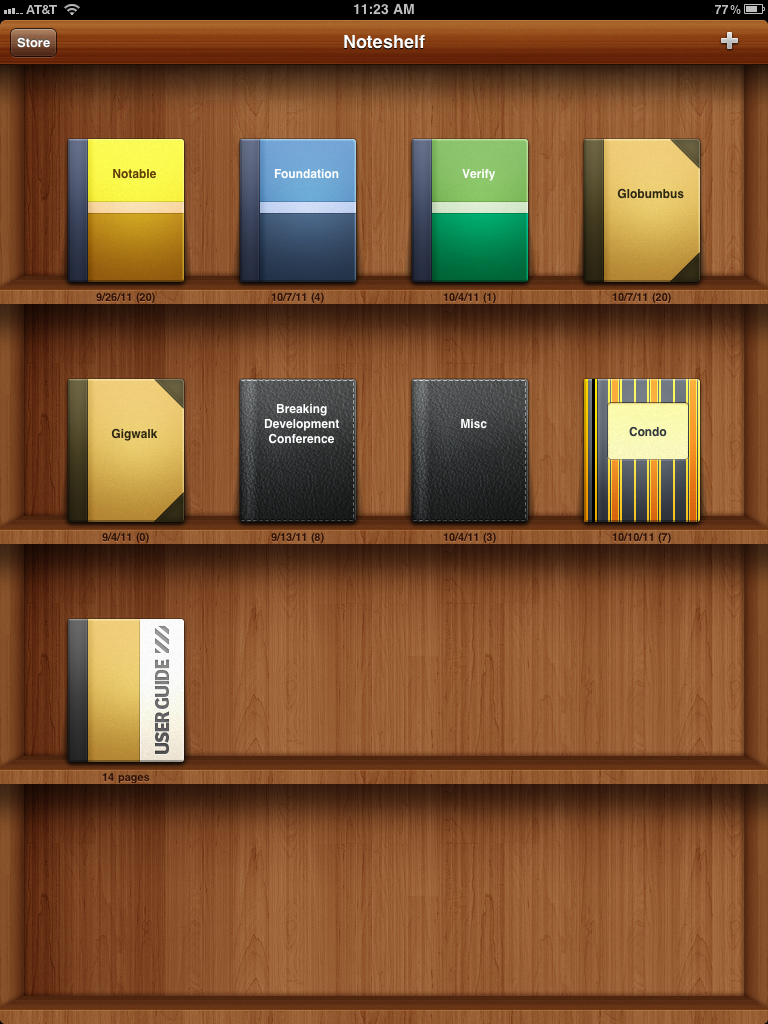 You can organize your work into multiple notebooks.
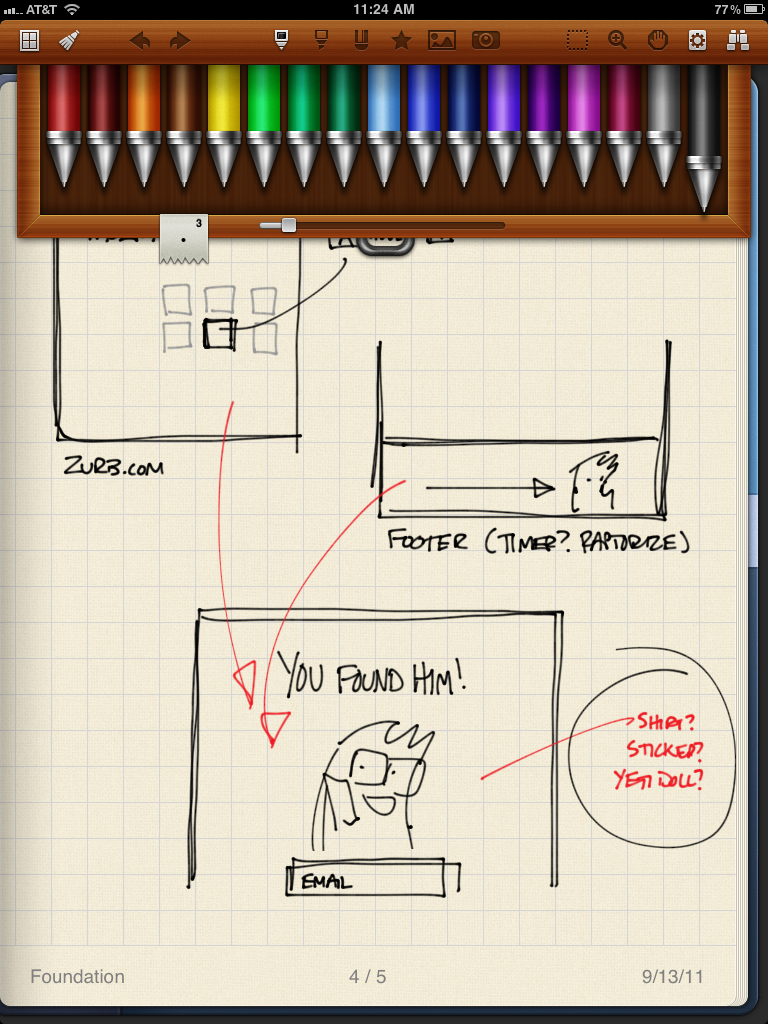 Pen selection is simple but very versatile, including highlighters and more.
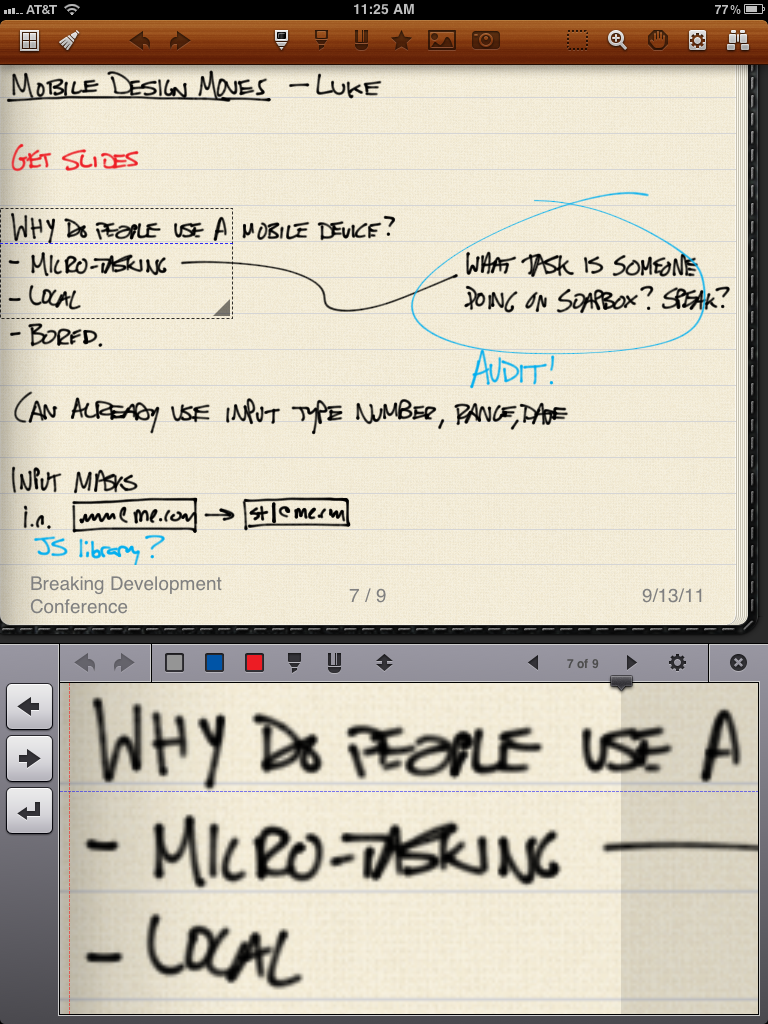 Noteshelf's zoom feature makes handwriting and detail easy.
Stylus
It's fair to say I'm an Apple product purist ' I don't like cases, or third party peripherals, or really anything that musses up my stuff. That being said, sketching or writing on an iPad without a stylus is pretty frustrating. I picked one up at Fry's for about 15 bucks, and it was completely worth it.
Dropbox
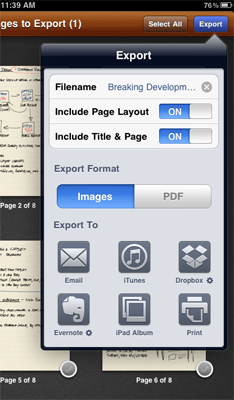
This is one of the coolest features of Noteshelf. Not only can it export to the camera roll, email, or print (with an AirPrint device) but you can also set it up to simply export your screens to Dropbox into a pre-defined folder.
Now when I want to share sketches, or post them for a client, there's no more messy scanning, cropping, contrast-correcting, etc. Just clean, formatted sketches. Noteshelf even lets you create custom paper, so I added one based on our ZURB sketchsheets for consistency.
Try it out!
If you have an iPad or other tablet, you might try out sketching on it. Like I mentioned it's not quite as fast still, but the ability to much more quickly share them (as well as other cool digital tricks like copy and paste, duplicating sketches to modify, etc) means it might be worth it for you. If there are other / better tools for doing this, let us know in the comments, we'd love to hear it.

Design Sketching
Checkout our on demand design sketching class and learn how to get great sketches to help influence your design.
Get Access